The whole machine is operated and monitored from a web browser, at the machine or from the office, with nothing to install. Each user logs in with their own account, with write or read-only access; maintenance pages are reserved for maintenance accounts.
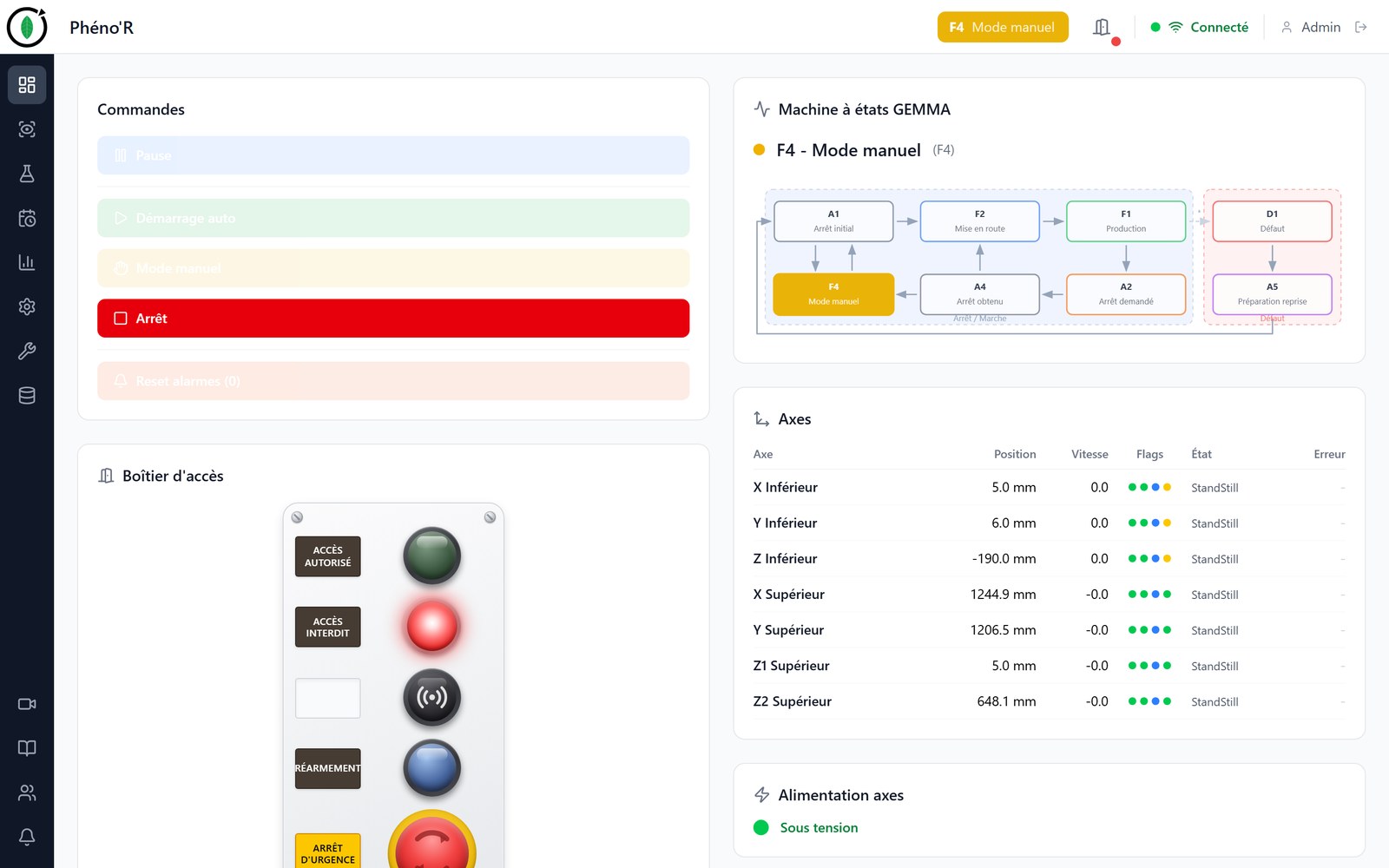
Dashboard
Run commands, operating modes, access box, axis and alarm status, in real time.
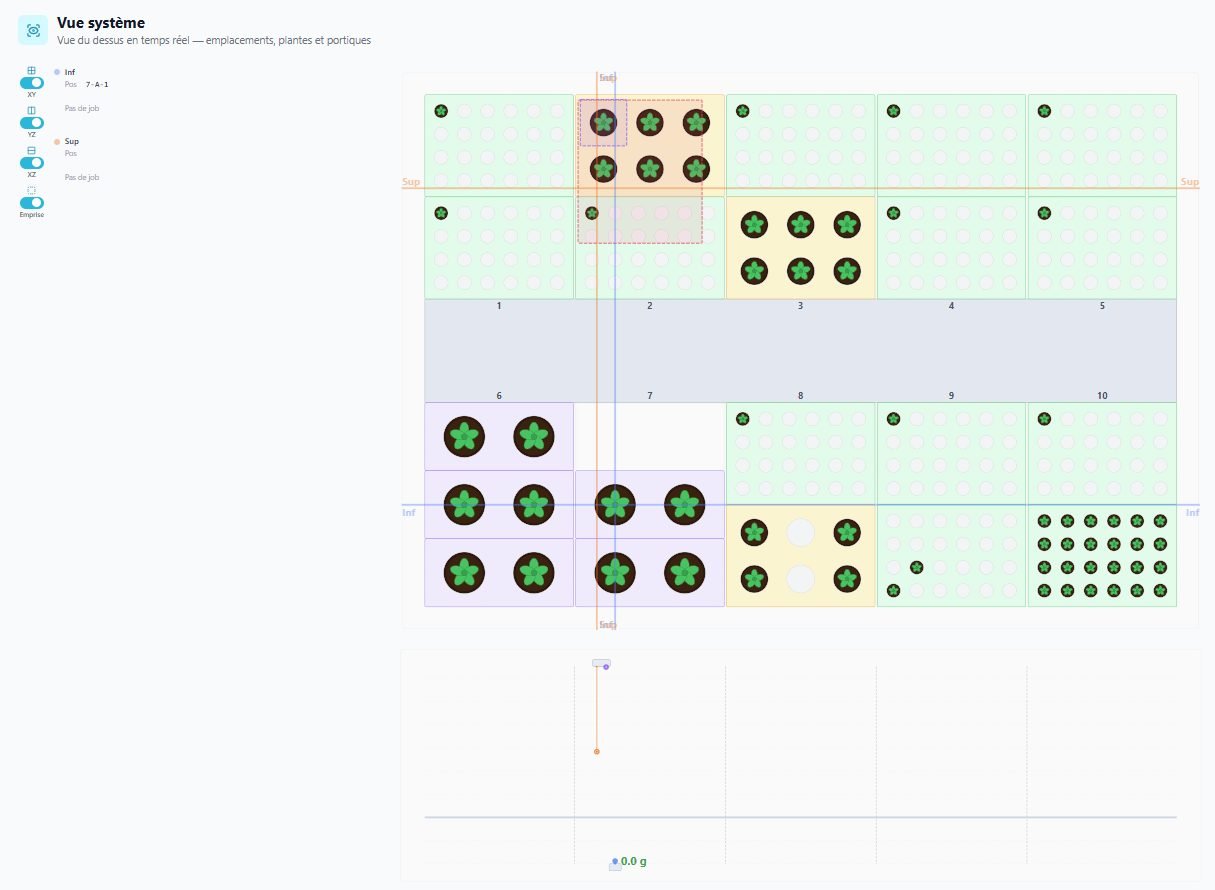
System view
The machine seen from above, in real time: locations, trays, plants and the position of both gantries.
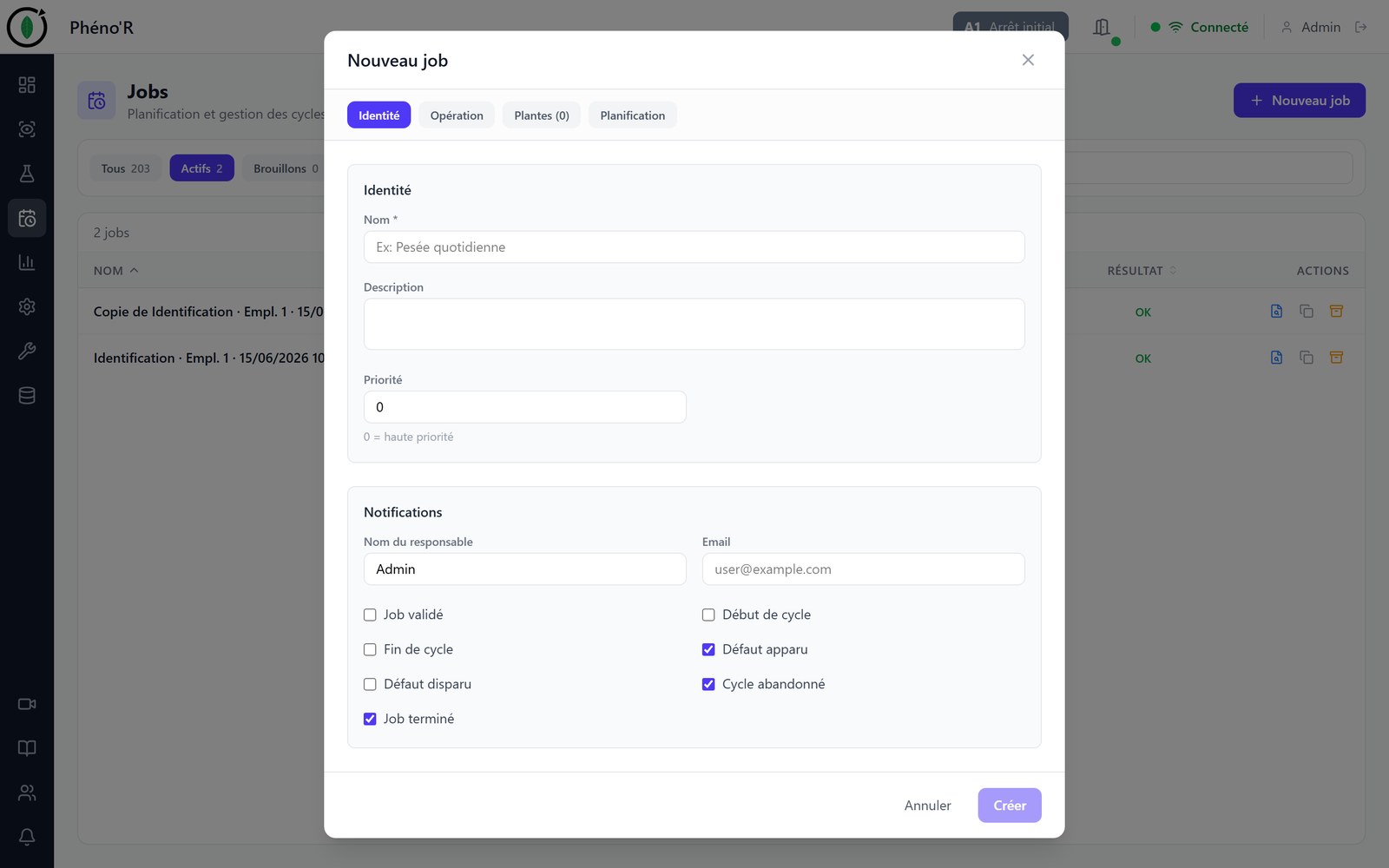
Jobs
A job says what to do, on which plants and when: once, every N minutes, or at up to five set times a day. The machine runs due jobs by itself, two at a time when they use different gantries. E-mail notification at the end of a job or in case of a fault.
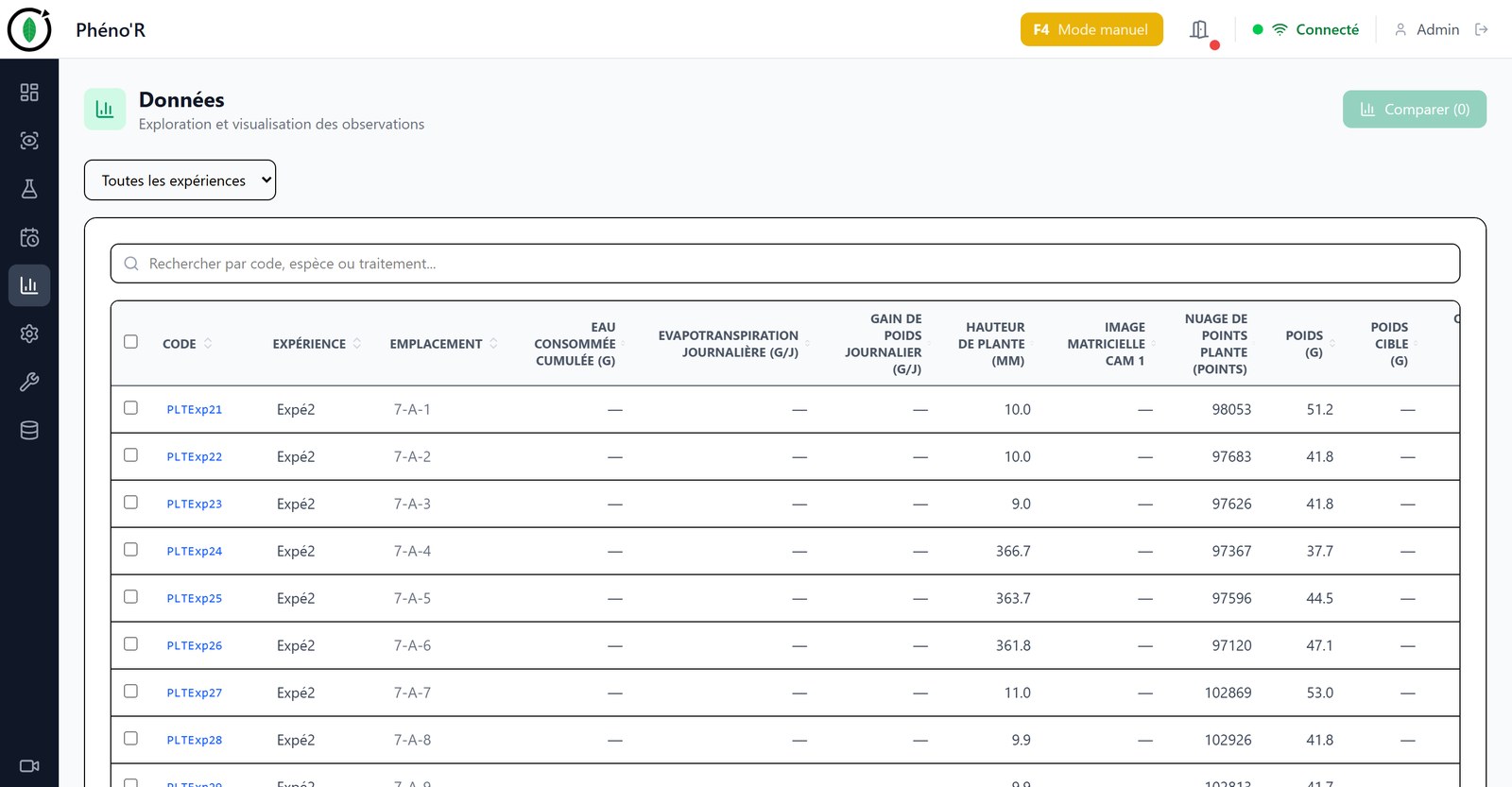
Data
Cross-table of observations by plant and measurement type, trend charts, image gallery, CSV export.
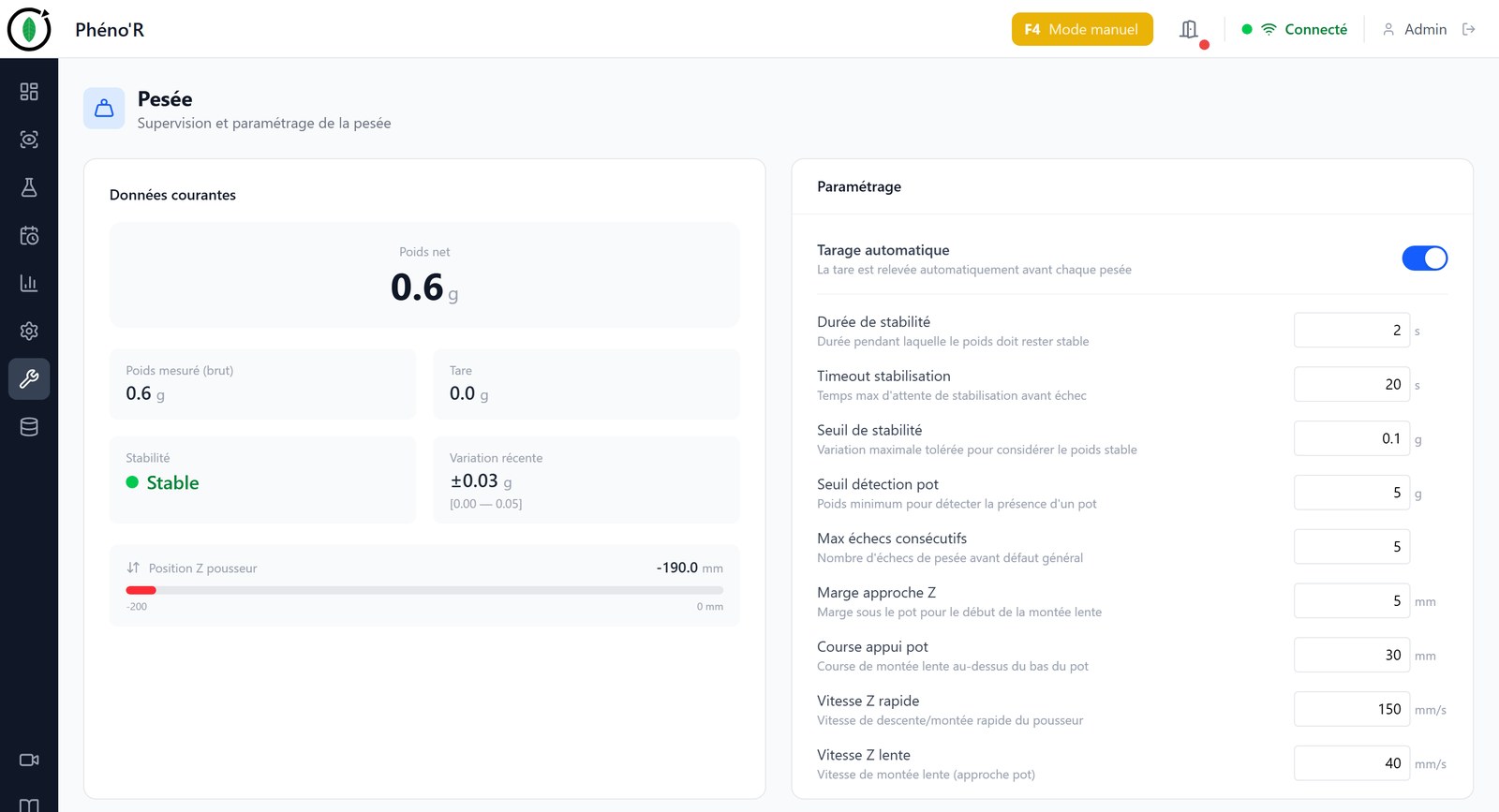
Weighing, watering and instruments
Each instrument has its own page: current measurements, settings and calibrations.
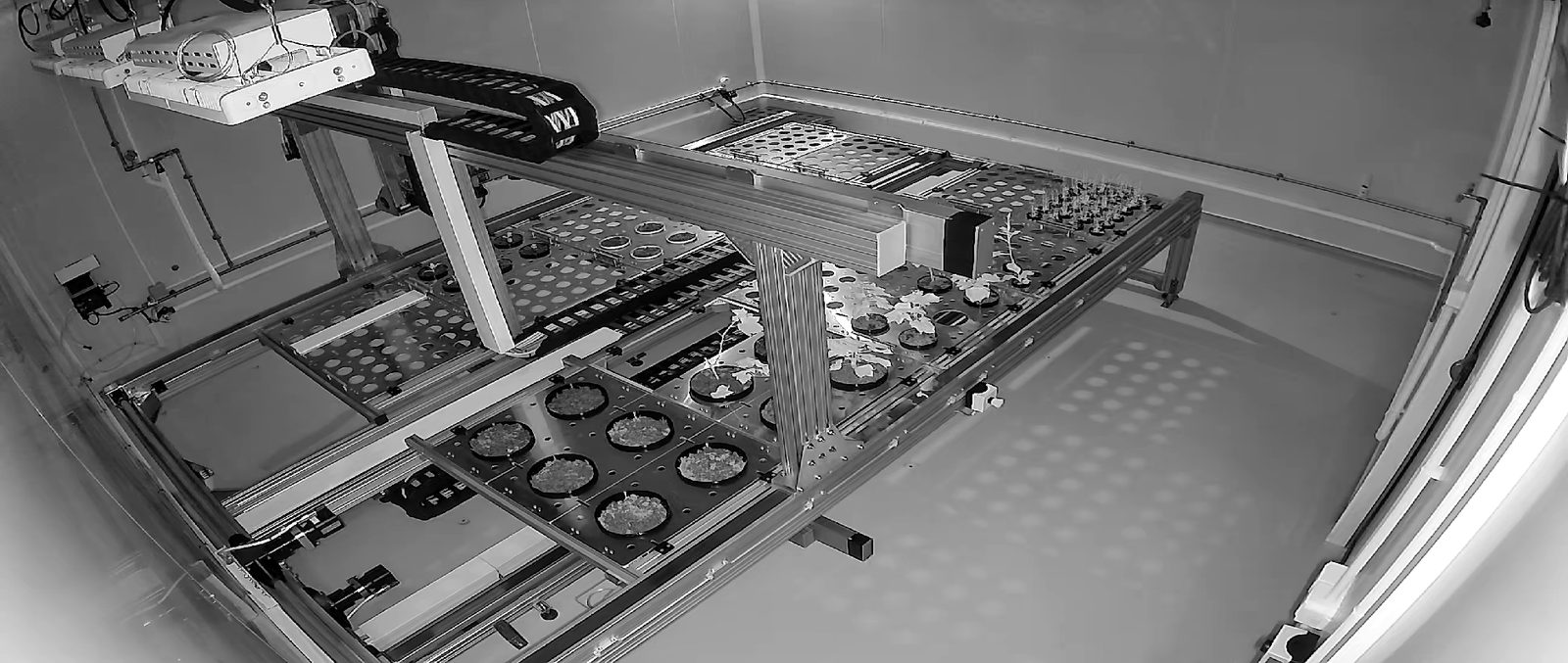
Growth chamber cameras
Two surveillance cameras film the growth chamber. From the supervision interface, you can see what is happening inside at any time, without going in.
Alarms and events
Active alarms, event log, report for each job, messaging shared by all workstations.
← Pheno’R · Measurements and instruments · Web supervision · Data and analysis